Features
Everything between one design and every size you need.
Make one master banner. Buno lays out all 37 sizes for their shape, keeps text in the safe zones, fixes contrast and fits a caption to each platform. You download it all in one ZIP.
Free to start. No credit card. No design skills needed.
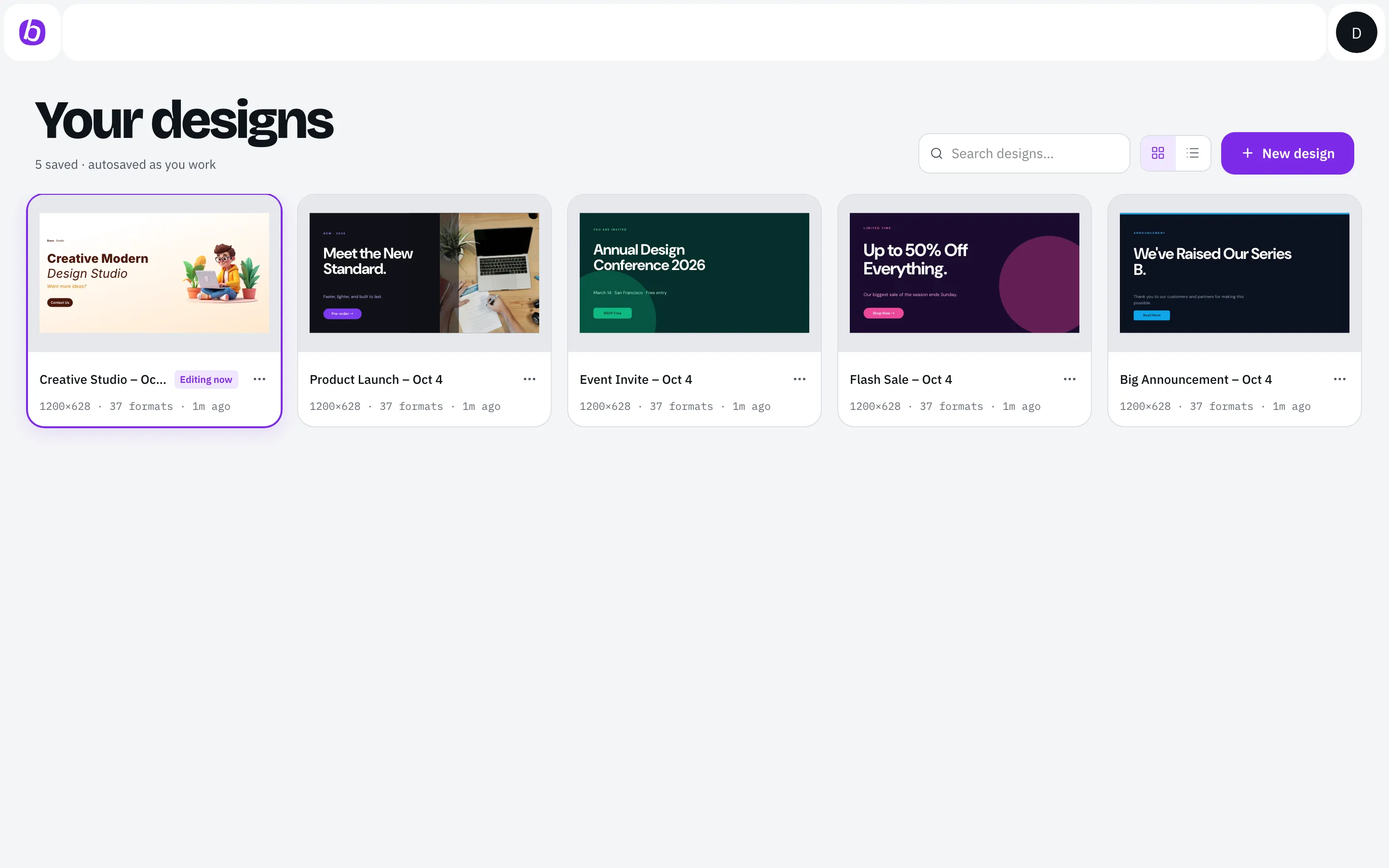
- 1080×1920
- 1080×1080
- 1584×396

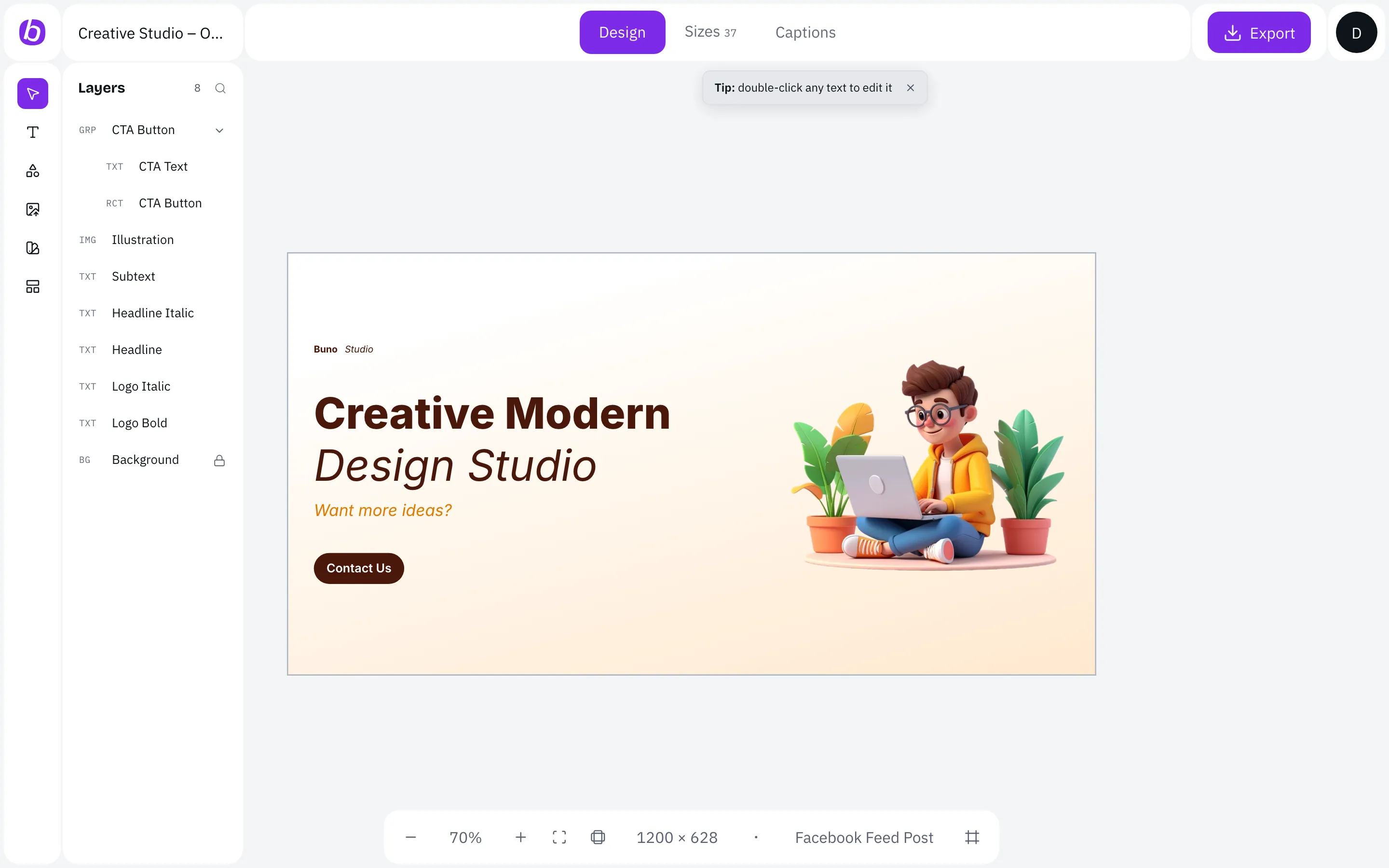
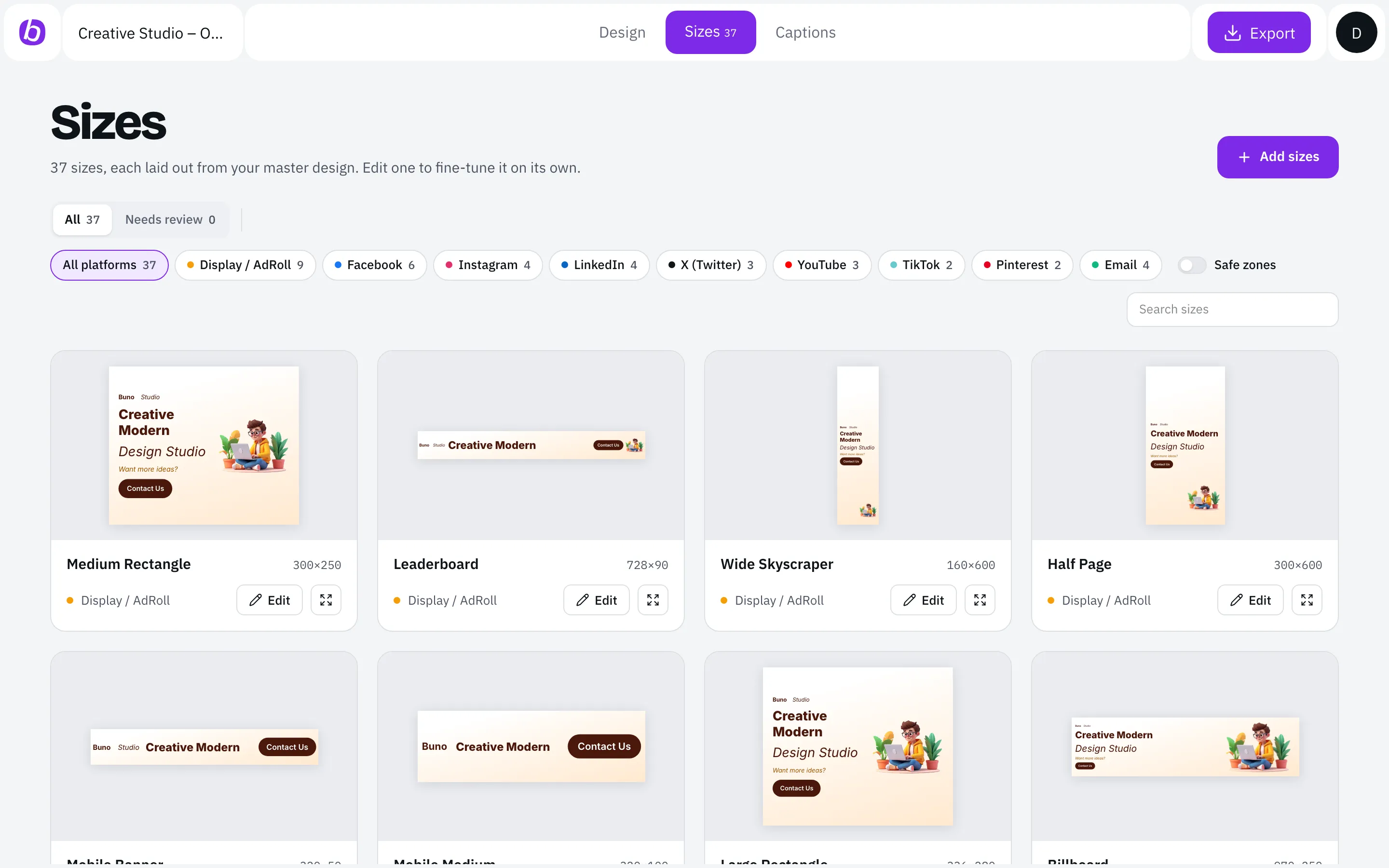
Design your master
Build one master banner in a simple editor.
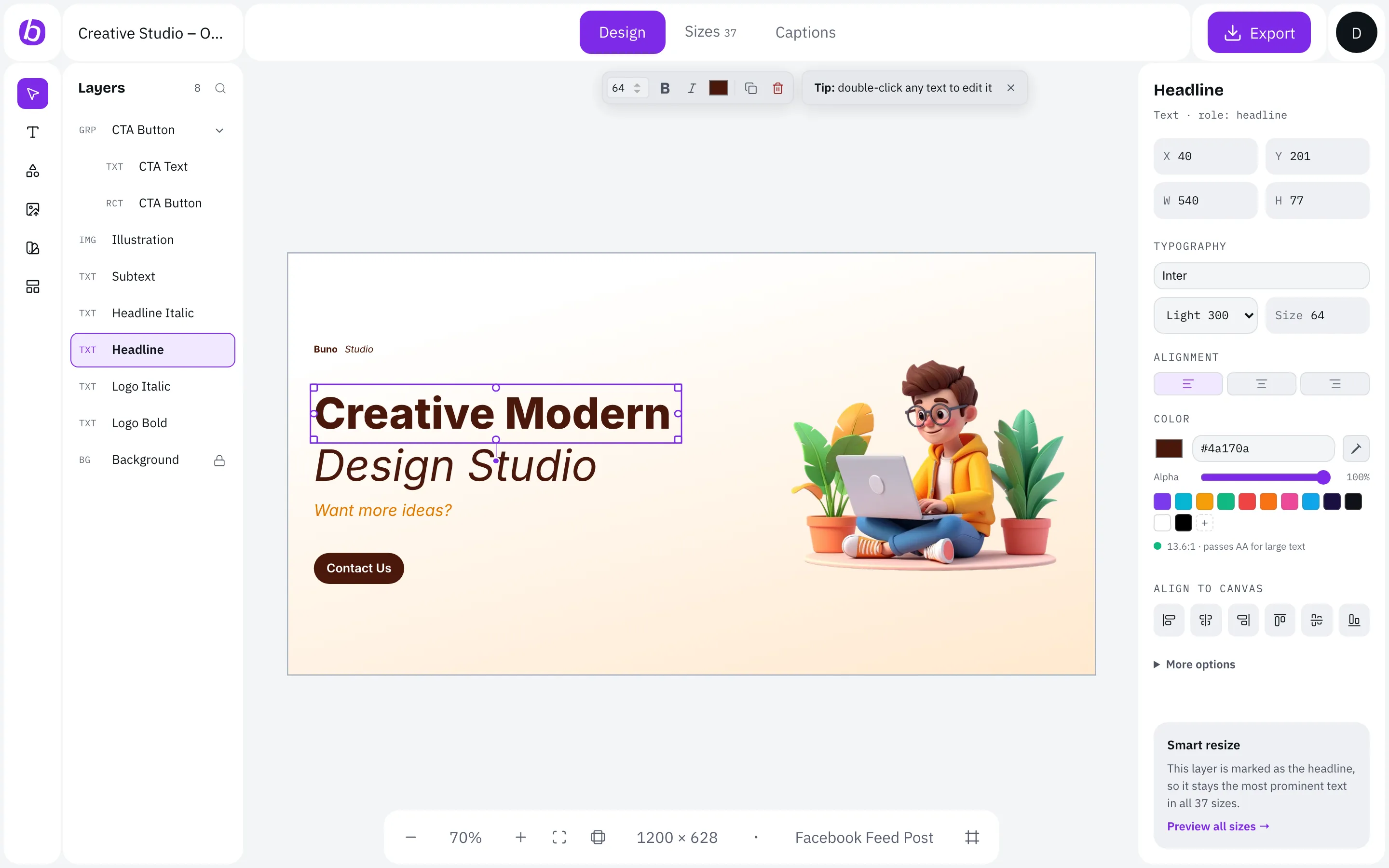
Generate every size
Every size laid out for its shape, not stretched.
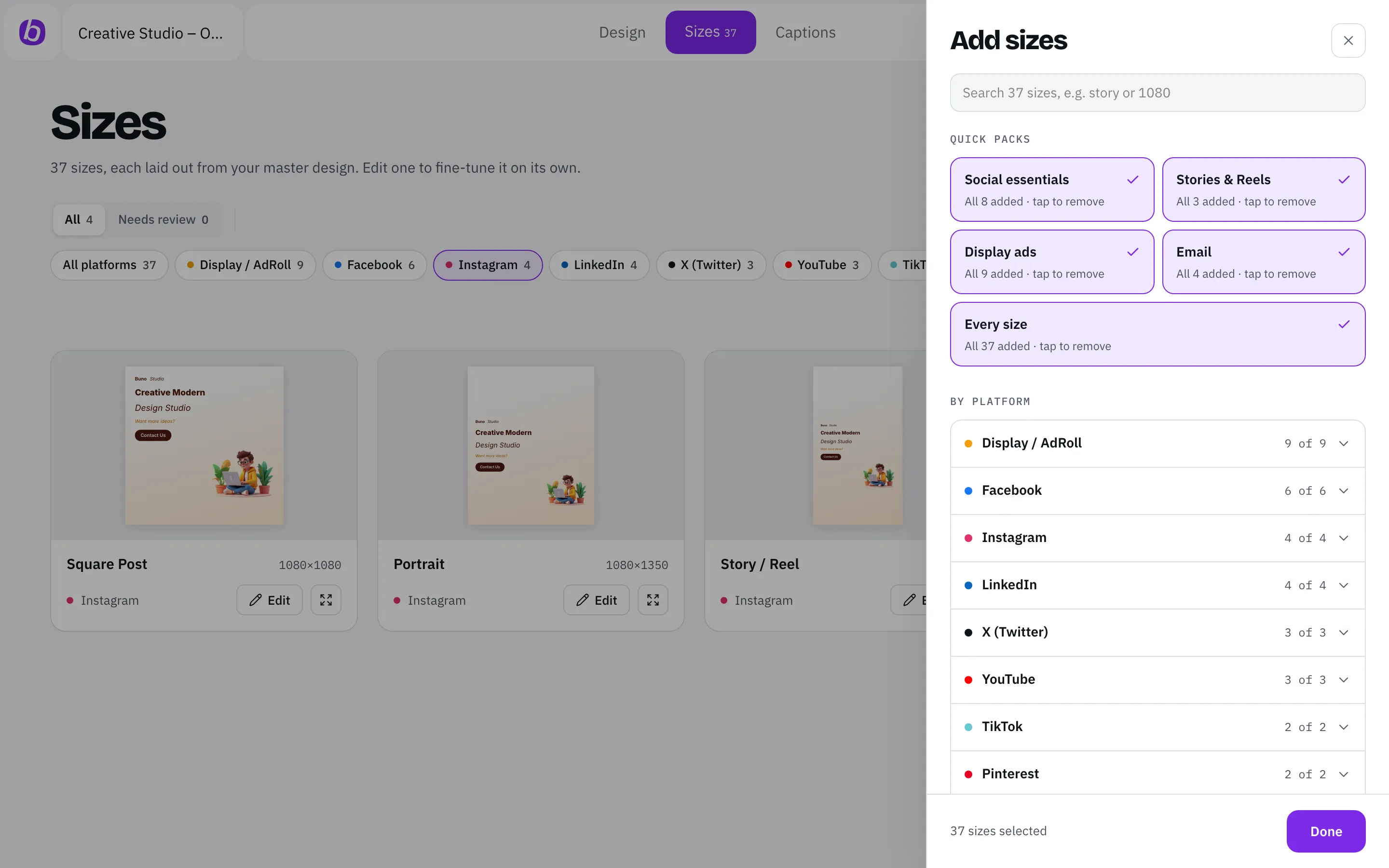
1200×628Facebook feed post
What matters always stays
Short on space? Body text goes first, then the image. Headline, button and logo always stay.
Text people can read
Text never shrinks below a readable size.
Any size you need
Need something unusual? Add a custom size from 50 to 10,000 px.
Check before you post
Catch problems before your audience does.
Text that never hides behind buttons
Stories, Reels, TikTok and profile banners cover part of the image. · Buno keeps your text clear of the profile row and reply bar.
Animation: a 1080×1920 Story with the profile row and reply bar on top. With safe zones on, Buno moves the headline out of the covered areas.
Readable on any background
Text on a busy photo? Buno adjusts it until it meets WCAG AA contrast.
Animation: a headline on a busy background fails the contrast check at 2.1:1. Buno darkens the text and it passes WCAG AA at 4.8:1.
Check a few sizes, not all 37
Buno points out any size that needs a second look, so you only check what matters.
Example: of 37 sizes, one is flagged for review because its text is too small.
Tweak one size, keep the rest
Fine-tune any single size. · Buno keeps your edit and tells you when the master banner changes.
Animation: one size is edited by hand and saved, and gets an Edited tag. When the master design changes, the other sizes update and the edited size is marked Out of date.
See every size of your next banner, already checked.
Free to start. No credit card. No design skills needed.
Stay on brand
One campaign, one look, every platform.
Your logo, colours and fonts carry into every size. Change the headline on your master banner and every size updates with it.
Coming soonSaved brand kits you can reuse across every design.
Animation: the master headline changes and every size updates with it.
Publish-ready
Images and captions, ready to post.
A caption that fits each platform
Write your caption once. Buno fits it to each platform's character limit.
Hashtags and alt text included
Hashtag counts that suit each platform, and alt text so every post is accessible.
Your link on every post
Add your link once and it travels with every caption.
The file type you need
Export PNG, JPG, WebP or PDF.
Everything in one ZIP
Every size plus your captions (captions.csv and captions.md) in one download, named clearly. Then post with the tools you already use.
Works with your AI
Let your AI assistant do the setup.
Connect Buno MCP to Claude Desktop, Claude Code, Cursor or any app that supports MCP (ChatGPT coming soon). Ask it to create a design, change the copy or add sizes, then open Buno to review and export. Setup takes about two minutes.
Example: you ask your AI assistant for a Black Friday banner; it creates the design in Buno with 17 sizes and gives you a link to review and export.
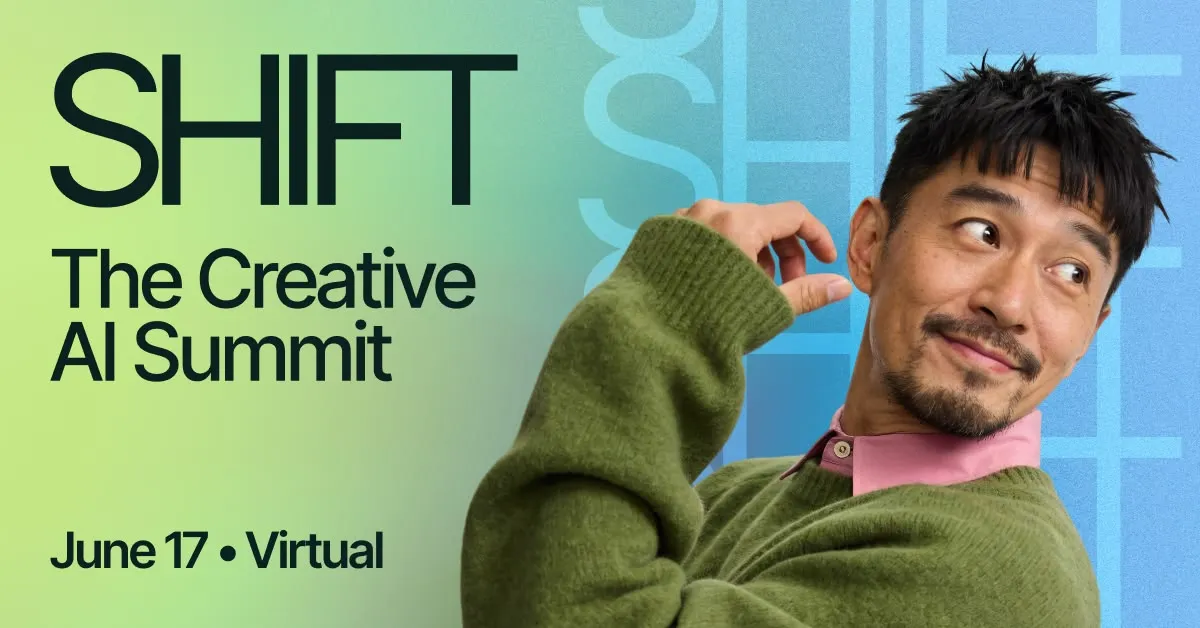
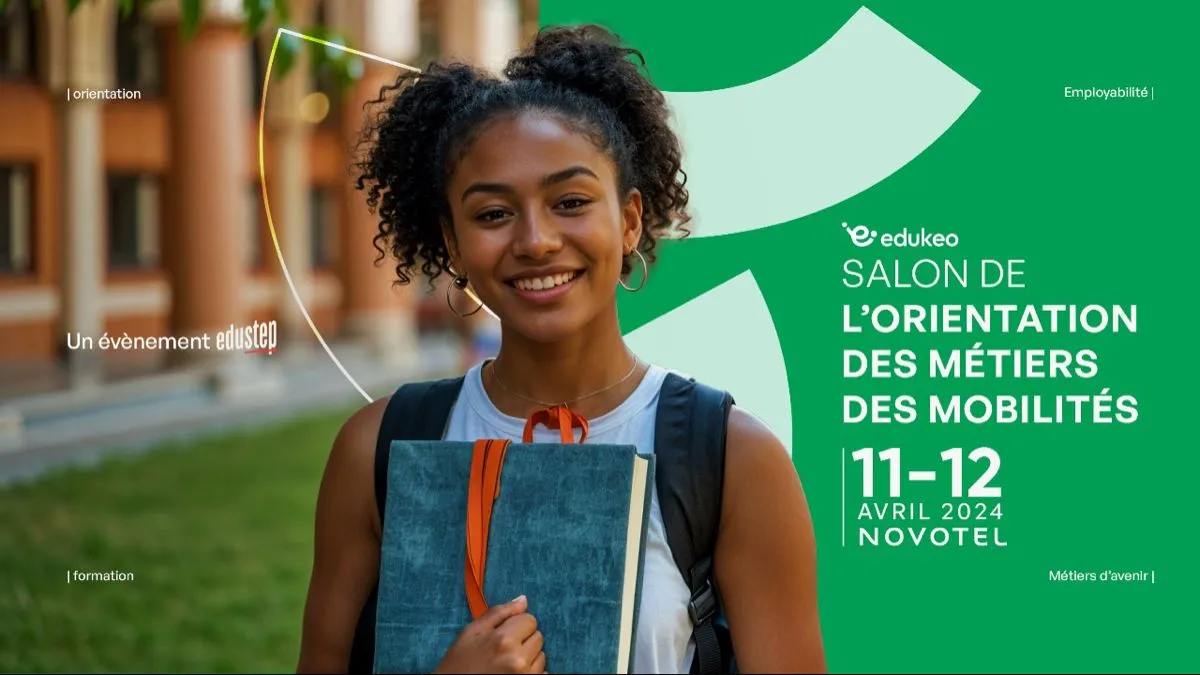
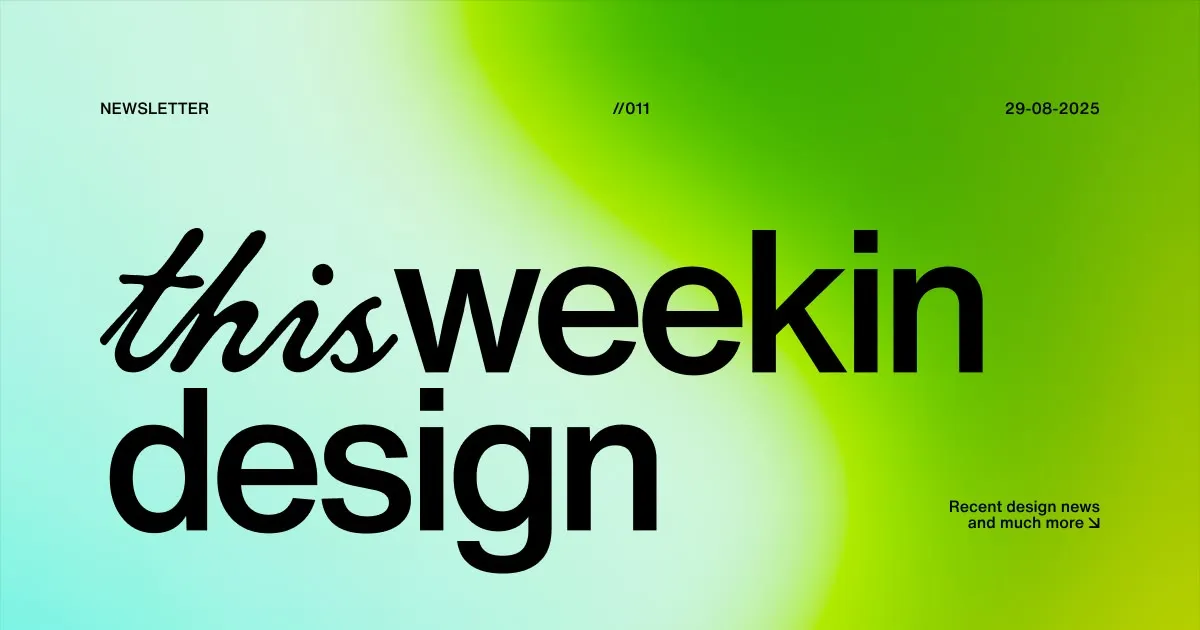
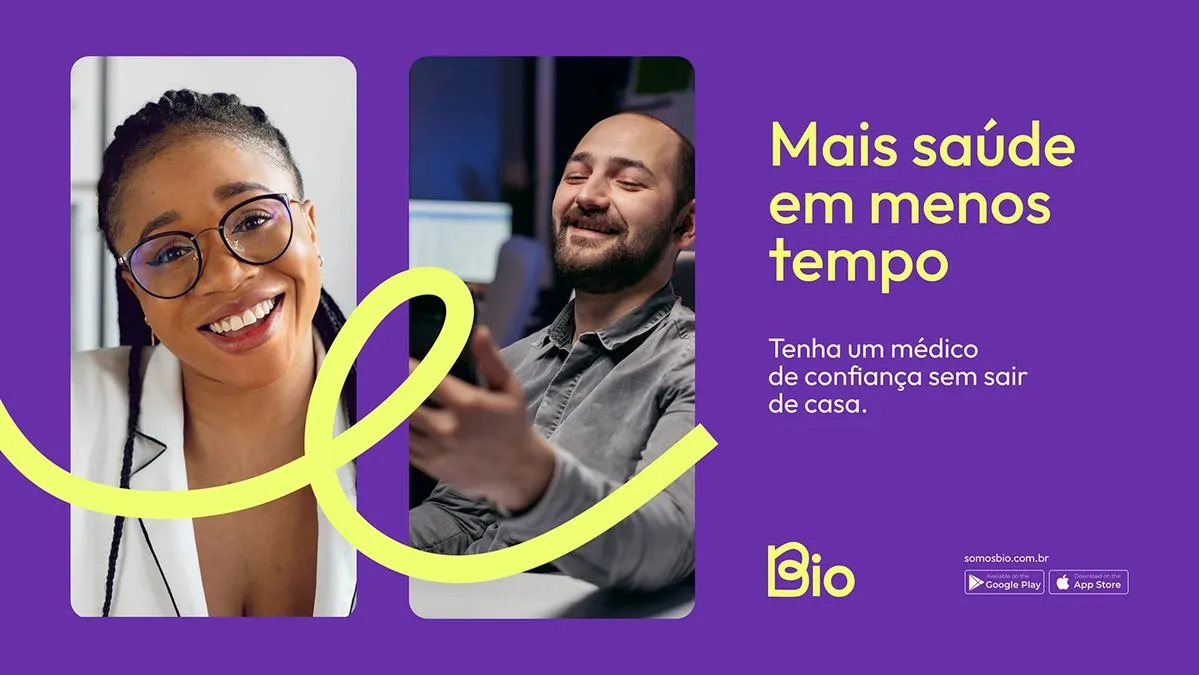
100+ campaign templates, coming soon.
Built to resize cleanly from day one. Available now: 5 starter templates, including Flash Sale, Product Launch and Event Invite.


Try it with your next campaign.
One master banner in. 37 ready-to-post sizes out.
Free to start. No credit card. No design skills needed.